
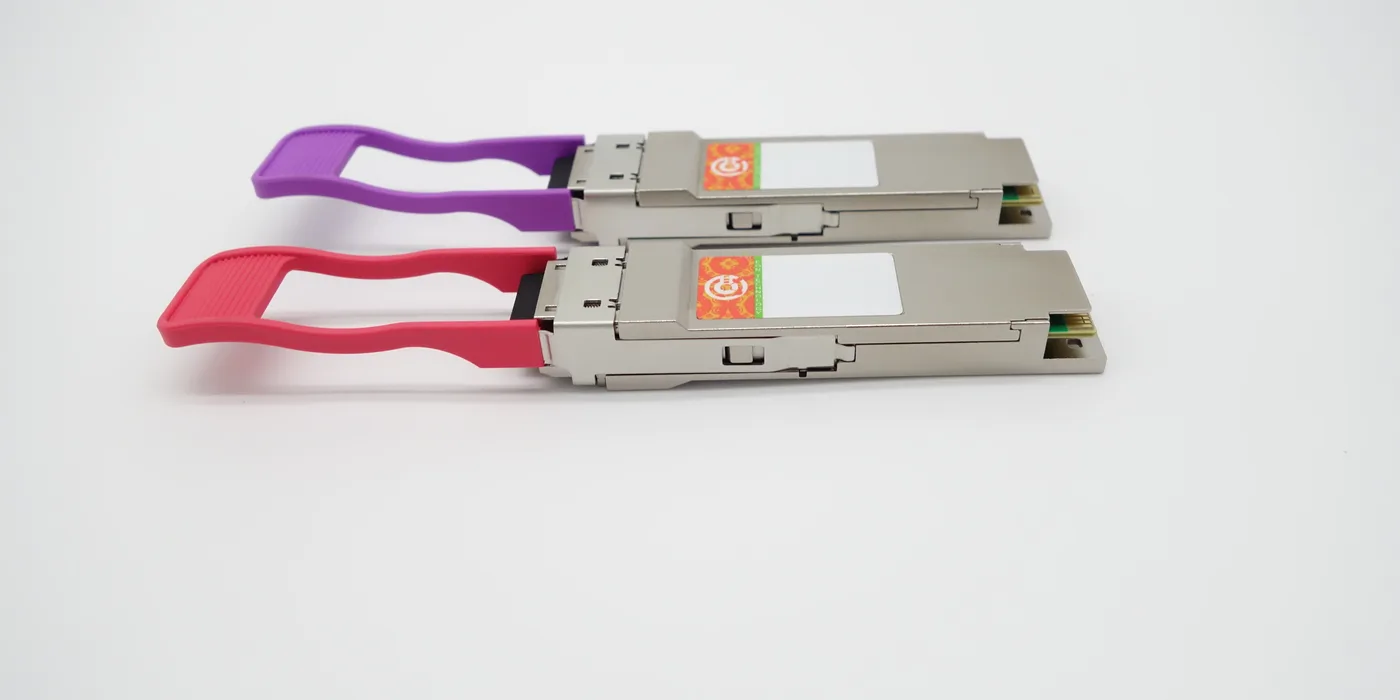
MikroTik compatible SFP matrix by model
This page is a quick lookup reference: it tells you, by MikroTik equipment model, which optical transceiver fits. If you need the step-by-step explanation (RouterOS commands, WISP/ISP cases and moving modules across multivendor platforms), see the transceiver recoding service for MikroTik. EON Technology validates MikroTik transceiver compatibility by model, firmware, port and optical part number.
MikroTik equipment families with optical ports
The matrix covers the MikroTik lines with SFP ports and above: Cloud Core Router (CCR), Cloud Router Switch (CRS), RouterBoard (RB), the hEX S, netPower and CSS. Among the most requested models are the hEX S (RB760iGS), RB260GS/CSS106, CRS106-1C-5S, CRS112-8P-4S-IN, CRS318, CCR1016-12S-1S+ and CCR1036-12G-4S. Send us the exact model number and the optical part number you want to use.
Form factors and speed per port
The port sets the speed, not the module. This is the baseline equivalence:
| Form factor | Speed | Typical use |
|---|---|---|
| SFP | 1.25G | Access and WISP/ISP links |
| SFP+ | 10G | Uplink and core |
| SFP28 | 25G | High-end aggregation |
| QSFP+ | 40G | Rack interconnect |
| QSFP28 | 100G | High-density core |
There are also RJ45 copper modules (for example the S+RJ10 10GBASE-T, the typical “sfp to rj45”) and DAC/AOC cables for short runs between adjacent network equipment. A combo SFP+ port accepts both a 1.25G SFP and a 10G SFP+; a 1G SFP port does not go up to 10G.
Fiber type, reach and wavelength
Choose by distance and plant: multimode (850 nm) for 550 m inside the rack or the room; single-mode (1310/1550 nm) for 2, 10, 20, 40 and up to 80 km. BiDi/WDM links use a single simplex LC fiber, useful when strands are scarce. A well-known part number for point-to-point links is the S-3553LC20D (1.25G SFP, single-mode, 20 km).
Firmware/OS and diagnostics
MikroTik equipment runs RouterOS (or SwOS on some CRS/CSS units). The 25G, 40G and 100G speeds live in the high-end range (CRS518, high-end Cloud Core Router) and require a RouterOS version that supports those ports. To read the DDM/DOM diagnostics (optical power, temperature, auto-negotiation) use /interface ethernet monitor sfp1 on RouterOS or the port’s tab in Winbox.
No vendor lock-in
Unlike Cisco or HPE, MikroTik does not block third-party transceivers: compatible modules link without recoding. When you need to take modules to other multivendor platforms, we do it through MikroTik transceiver recoding: we adapt and validate compatibility for stable operation under the agreed technical conditions.
Use cases and what to check before ordering
Typical cases: point-to-point WISP/ISP links (single-mode BiDi SFP), uplink from access equipment to 10G/25G, rack interconnect with DAC and copper-to-fiber migration in the core. Before ordering, have at hand the exact equipment model, the RouterOS/SwOS version, the port where the module will go and the target optical part number (speed, fiber, reach, wavelength). With that we confirm compatibility and dispatch. EON serves Latin America and Spain from a centralized operation in Colombia. Browse the transceiver catalog or request the full matrix.
Browse transceivers → · Compatibility hub → · Transceiver recoding → · Request a quote →