
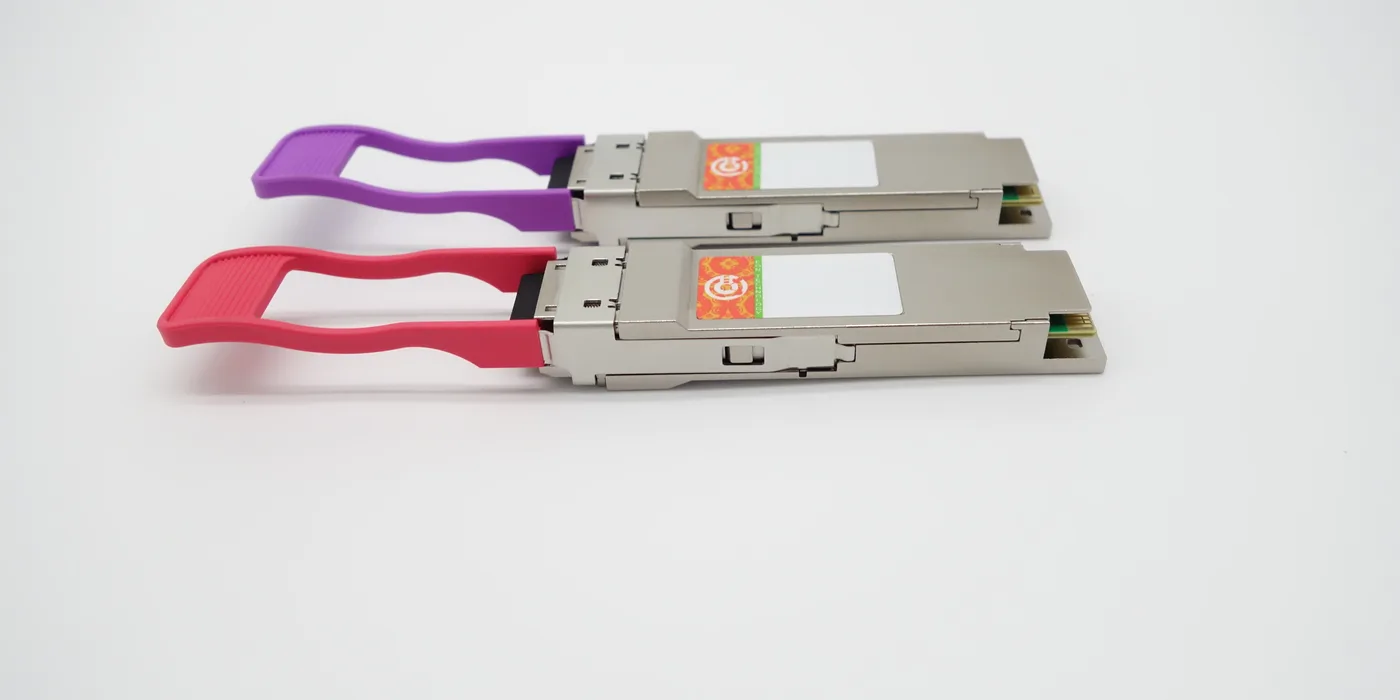
Quick reference matrix: Juniper compatible SFP transceivers by model
This page is the quick lookup matrix: use it to identify, by equipment series and model, which compatible transceiver is equivalent to your Juniper OEM part number. If you need the step-by-step explanation, see the transceiver recoding service. EON validates Juniper transceiver compatibility by model, firmware, port and optical part number.
Juniper equipment families and their part number prefixes
The same optic is listed differently depending on the platform, which is why the matrix filters by series before crossing the part number:
| Juniper series | Network role | Typical part number prefixes |
|---|---|---|
| EX Series | LAN access and aggregation | EX-SFP-, EX-QSFP- |
| QFX Series | Data center | QFX-SFP-, JNP- |
| SRX Series | Firewalls | SRX-SFP-, SFPP- |
| MX Series | Edge and aggregation routers | SFPP-, JNP-, 740-0xxxxx (legacy) |
| ACX / PTX | Aggregation and core | JNP-* |
| CTP | Circuit-to-packet | — |
Form factors and speeds
This is the key column of the matrix. We cover SFP 1GE, SFP+ (SFPP) 10GE, SFP28 25G (JNP-SFP-25G-*), QSFP+ 40G and QSFP28 100G, plus DAC/AOC cables in 1 m, 3 m, 5 m and 7 m for short in-rack connections.
Optic types and reach
Scan by the reach you need: SX and USR (multimode, short reach), LX / LX10 / LR (single-mode up to 10 km), ER and ZR (long reach), LRM (legacy multimode) and 10GBASE-T over copper. Each row indicates single-mode or multimode fiber, wavelength and maximum distance.
Decoding the OEM part number and its compatible equivalent
The core of the table relates each Juniper part number to the equivalent compatible module:
| Juniper OEM part number | Optic | Reach | EON compatible module |
|---|---|---|---|
| EX-SFP-10GE-SR | 10GBASE-SR | 300 m (OM3) | Validated by model |
| SFPP-10GE-LR | 10GBASE-LR | 10 km (SMF) | Validated by model |
| JNP-SFP-25G-SR | 25GBASE-SR | 100 m (OM4) | Validated by model |
| JNP-SFP-25G-DAC-1M | 25G DAC | 1 m | Validated by model |
| 740-0xxxxx (legacy) | Per part number | Per part number | Validated by model |
It is the same physical optic with a different OEM part number: we adapt and validate the compatibility of the equivalent module for the specified series, including the Juniper EX4300 SFP compatibility cases that are common on access layers.
Verification in Junos OS and the Hardware Compatibility Tool (HCT)
Before buying, confirm the part number in the Juniper Hardware Compatibility Tool (HCT), which filters by platform, Junos OS release and optic type. On the equipment, the show interfaces diagnostics optics command displays the DOM/DDM parameters (power, temperature and current). Junos OS may display the ‘unsupported optic’ notice with third-party modules: it is informational and does not by itself interrupt the link.
Cases by scenario
- Uplinks on EX/QFX: SFP+ 10G or QSFP28 100G for the trunks.
- Top-of-rack and Virtual Chassis (stacking): 1 to 3 m DAC cables.
- Long-haul WAN on MX/PTX: LR, ER or ZR optics over single-mode fiber.
- Migration to 25G/100G in QFX data centers: SFP28 and QSFP28.
Before ordering
Have at hand the exact model of the network equipment, the Junos OS release, the port and the optical part number and reach you need. With those four data points we validate compatibility and indicate the equivalent Juniper compatible SFP module.
Next step: review the transceiver recoding service or explore the transceiver catalog. Typical dispatch in 48h*.
*Subject to inventory, destination country, carrier, customs, the customer’s import process and third-party logistics conditions. EON serves Latin America and Spain from a centralized operation in Colombia.