
Dell compatible SFP matrix for PowerSwitch by model
This is a quick lookup reference by model: EON Technology validates transceiver compatibility for Dell network platforms by model, firmware, port and optical part number. If you need the step-by-step explanation of how to choose reach, fiber and form factor, see the transceiver recoding service for Dell; this page summarizes what we validate so you can order in minutes.
Supported Dell network equipment families
We cover the Dell PowerSwitch S-Series line (for example S4048 and S5248), the access N-Series, Dell EMC Networking data center equipment, legacy Force10 platforms and the NICs in PowerEdge servers. These are multivendor infrastructure families with different optical requirements depending on port and firmware.
Supported form factors
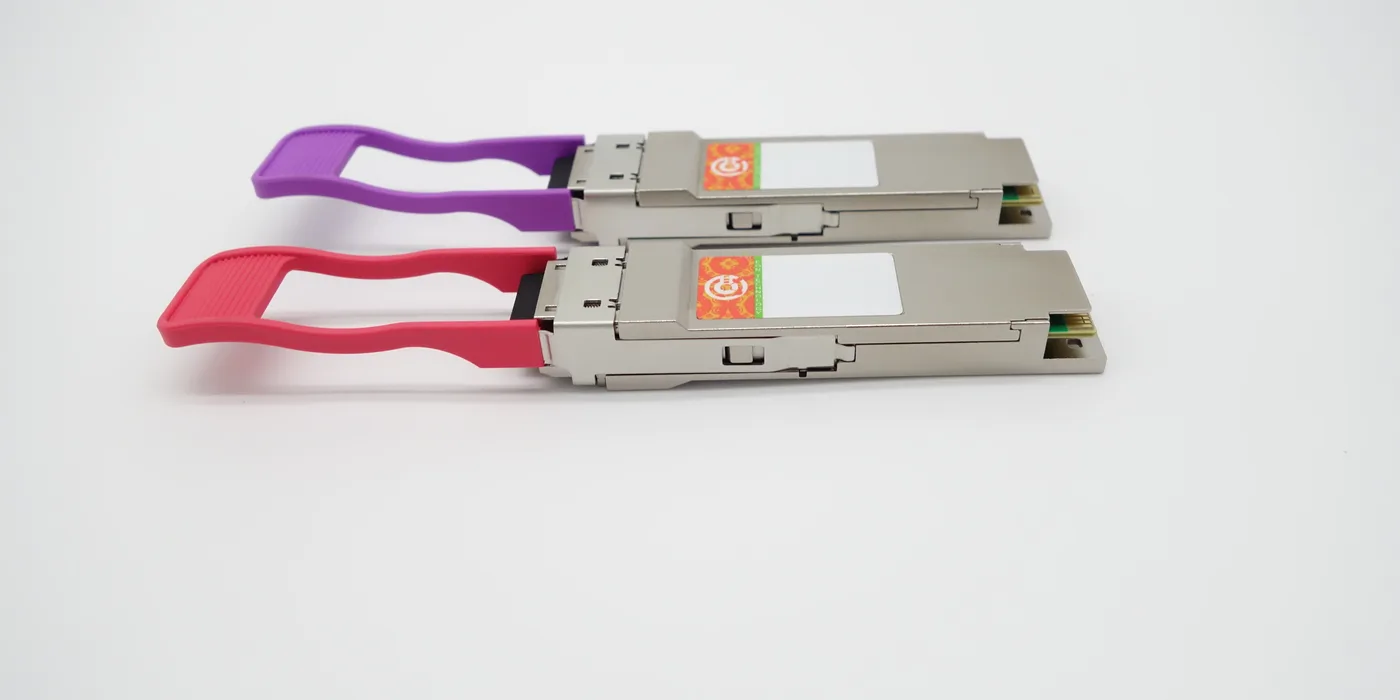
We work with the usual Dell form factors: SFP (1G), SFP+ (10G), SFP28 (25G), QSFP+ (40G) and QSFP28 (100G); depending on the platform, also QSFP-DD (400G). We add DAC/AOC cables and RJ45 BASE-T modules for short copper runs.
Optical types and reach by part number
Optical types range from 1000BASE-T/SX/LX to 10GBASE-SR/LR/T and 40GBASE-SR4/LR4. The rule of thumb: 850 nm over multimode fiber (MMF) for 100-300 m and 1310 nm over single-mode fiber (SMF) for runs of up to 10 km. Choosing the wrong wavelength or fiber type is the most common cause of links that fail to come up.
Dell part numbers mapped to the compatible equivalent
| Dell part number | Type / reach | Form factor |
|---|---|---|
| 407-BBOU | 10GBASE-SR · 850 nm MMF · 300 m | SFP+ |
| 407-BBWL | 25GBASE-SR · MMF | SFP28 |
| 407-BBOR / 407-BBRO | 10GBASE-LR · 1310 nm SMF · 10 km | SFP+ |
| GP-SFP2-1S | 1000BASE-SX · 850 nm MMF | SFP |
| GP-10GSFP-1S / 1L / T | 10GBASE-SR / LR / T | SFP+ |
| DAC-SFP-10G-Xm | Passive DAC · 1-5 m | SFP+ |
The GP-xxxx SKUs are dual-vendor marketing part numbers that point to the same module as the 407-xxxx order part number (GP-SFP2-1S = 407-xxxx). We map both to the compatible equivalent.
Firmware: Dell OS9 and SmartFabric OS10
Behavior depends on the firmware. Dell OS9 (Force10 FTOS) and Dell SmartFabric OS10 accept third-party optics validated by part number and usually keep the port operational, with DDM/DOM optical diagnostics available to monitor power and temperature. That is why we always validate against the OS release of the equipment.
What to check before ordering
Have at hand: the exact model of the Dell equipment, the firmware/OS release, the port type, the reach and fiber type (MMF or SMF) and the part number of the original optic (407-xxxx or GP-xxxx). With those five data points we adapt and validate compatibility and confirm the correct module, at a meaningful cost advantage over the brand-name optic. EON serves Latin America and Spain from a centralized operation in Colombia. Typical dispatch in 48h*.
Request Dell compatible modules
Browse transceivers → · Transceiver recoding for Dell → · All compatibility matrices → · Request a quote →
*Subject to inventory, destination country, carrier, customs, the customer’s import process and third-party logistics conditions.